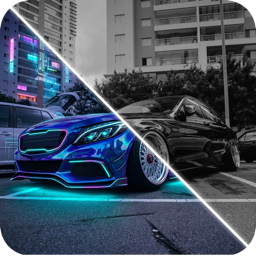
How to Photograph Your Car for the Best AI Design Results
Get cleaner, more realistic AI car designs with a better photo: the best angle, light, distance and background, plus mistakes that confuse AI car editors.
By Ayoub Farid · · 2 min read
The quality of an AI car redesign depends heavily on the photo you start with. A good input gives clean edges, believable reflections and wheels that stay round. A bad one gives smudges. Here's how to shoot your car for AI.
The ideal shot
- Angle: front three-quarter (about 30 to 45 degrees from the front), at headlight height.
- Distance: the whole car in frame with some space around it. Don't crop bumpers or the roof.
- Lens: your phone's 1× or 2× camera. Avoid the ultra-wide, which stretches the car.
- Light: overcast daylight or open shade. Golden hour is great if the sun is behind you.
- Background: simple. An empty car park or a quiet street works better than a crowded show.
Step by step
- Clean the car, or at least the side facing the camera. Dirt becomes texture the AI tries to keep. See detailing before photos.
- Turn the front wheels slightly toward the camera so the wheel face is visible. That's essential for wheel previews.
- Crouch to headlight height. Standing shots make cars look tall and narrow.
- Step back and zoom 2× for natural proportions.
- Take a few and pick the sharpest.
Mistakes that confuse AI car editors
| Mistake | What happens |
|---|---|
| Harsh midday sun | Blown highlights; colors look flat or patchy |
| People or other cars overlapping | AI may merge them into your car |
| Strong reflections of buildings | Reflections get "painted" into the new color |
| Night photo without light on the car | Muddy edits, lost body lines |
| Extreme wide angle | Distorted proportions get exaggerated |
| Heavy filters | AI keeps the filter's color cast |
Different shots for different jobs
- Paint and wraps: three-quarter front, soft light.
- Wheels and stance: side profile or three-quarter, wheels clearly visible.
- Body kits: low three-quarter front for lips and skirts; rear three-quarter for diffusers and wings.
- Background cleanup: any angle; the AI will place the car in a studio. See car background remover.
For general car photography beyond AI, read our car photography tips.
Use your photo in CarForge
Take the photo in the app or pick it from your library, then try Match Style, Apply Color, Add Accessories or Remove & Clean. Our AI car design guide covers the rest of the workflow.
Frequently asked questions
What is the best angle to photograph a car?
A front three-quarter view at headlight height shows the face, profile and wheels together, and it's the most flattering angle for almost any car.
Can I use a night photo for AI car design?
Yes, if the car is well lit. Underexposed night shots give muddy edits.
Should I remove the license plate before AI editing?
You don't have to; many tools blank plates. For sharing online, hiding plates is a sensible privacy habit.
Does phone camera quality matter for AI editing?
Any recent phone is fine. Light, angle and sharpness matter far more than megapixels.
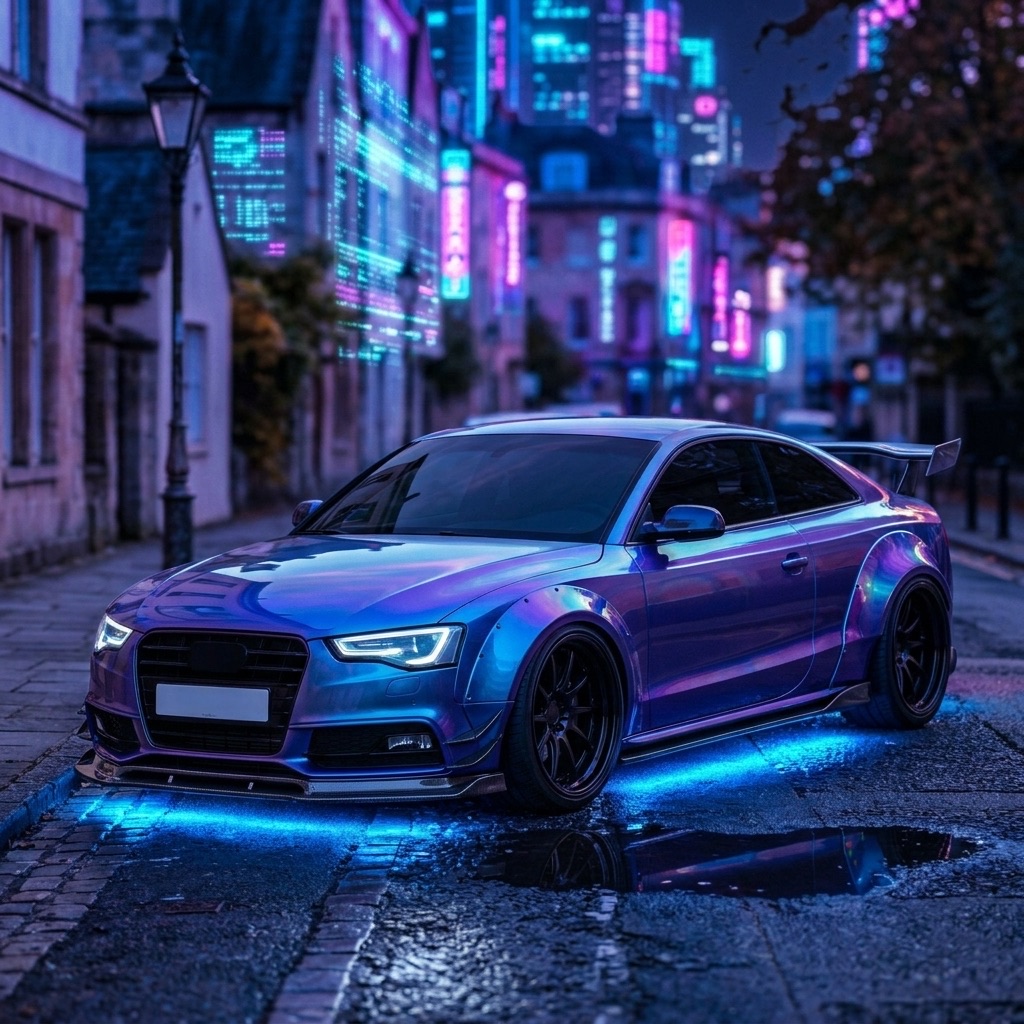
Try it on your own car
Identify any car. Redesign yours in seconds.
Snap a photo to get the make, model and specs, or try paint, wraps, wheels, body kits and 16+ AI styles on your own car. On iPhone and iPad.
Download CarForge