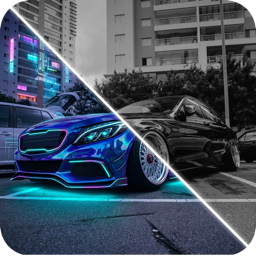
AI Car Design App: How to Redesign Your Car From One Photo
How an AI car design app restyles your own car from a photo: paint, wraps, wheels, body kits and full builds. Step-by-step guide with tips and limits.
By Ayoub Farid · · 4 min read
Every car build starts as a picture in your head. The problem is that wraps, wheels and body kits are expensive, mostly irreversible decisions, and a 2-inch swatch or a render of someone else's car tells you very little about how your car will look.
An AI car design app closes that gap. You take one photo of your car, choose a look, and the app returns a realistic image of the same car, same angle, same street, restyled. This guide covers what these apps can actually do, how to get good results, and where the limits are.
What an AI car design app does
Modern image models can edit a photo while keeping its structure. For cars, that means they can change:
- Paint and wraps: solid colors, metallics, satin and matte films, color-shift (chameleon) wraps.
- Wheels and stance: new wheel designs and finishes, a lower ride height, a more aggressive fitment.
- Body parts: front lips, side skirts, diffusers, spoilers and wings, full widebody kits.
- Whole-car styles: a JDM tuner build, VIP stance, rally raid, retro restomod or a sci-fi concept, applied in one go.
- Background: removing street clutter and placing the car in a clean studio scene.
In CarForge these live in four tools (Match Style, Apply Color, Add Accessories and Remove & Clean) plus a free-text box where you describe your own idea.
How to redesign your car with AI, step by step
1. Take the right photo
The best input is a sharp three-quarter front shot in even daylight, with the whole car in frame and nothing blocking the wheels. Our car photo guide for AI goes deeper, but the short version: no harsh noon sun, no fisheye, and step back far enough that the bumpers aren't cut off.
2. Pick one change at a time
If you are deciding on a wrap, change only the color first. Stacking a new color, wheels and a body kit in one generation makes it hard to judge any single decision. Once you like a color, build on it.
3. Compare against the original
Use the before/after slider. Drag slowly over the wheel arches, the lower bumper and the roofline, where most mods show their effect. If something looks off, it usually is.
4. Try at least three variations
AI output varies between runs. Generate a few versions of the same idea, then compare them side by side. You will often prefer the second or third.
5. Save the winners and take them to your shop
A render is a great communication tool. Showing an installer "this color, these wheels, this drop" removes a lot of guesswork. See how to describe car mods to a shop.
What AI car design is great for
- Choosing a wrap color on your actual body shape. Curves change how a color reads, especially satin and color-shift films. More in our car wrap visualizer guide.
- Wheel style and finish. Bronze, gunmetal, silver and black wheels look very different against each paint color. See the wheel visualizer guide.
- Exploring build directions you'd never pay to try: widebody, rally, VIP. Our car styles explained post walks through 16 of them.
- Settling arguments with friends, partners or yourself.
What it can't do
Be clear about the limits so a render never costs you money:
- It doesn't check fitment. A render can show a 20-inch wheel with a perfect flush stance on a car that physically can't run it. Always confirm size, offset and tire with your shop. Our wheel offset guide explains why.
- Colors on screen aren't film samples. Screens vary, and wrap films shift with light. Order a physical sample of your final pick.
- Body kits are generic. The AI draws a plausible kit, not a specific part number. Use it to choose a direction, then find a real kit that matches.
- Legal rules still apply. Tint, lighting and ride-height rules vary by country and state. Check whether your mods are legal before buying.
Try it on your own car
CarForge combines a car identifier with an AI design studio: snap a car to get its make, model and specs, or upload your own car and try 16+ styles, 20+ paints and wraps, wheels and body kits. Start with the car color changer workflow if you are planning a wrap, or browse 50 AI car design prompts for inspiration.
Frequently asked questions
Can AI redesign a photo of my own car?
Yes. AI car design apps edit your photo while keeping the car's shape, angle and background, so you see changes like paint, wheels or body kits on your actual car rather than a stock render.
Is an AI car render accurate enough to buy parts from?
Use it to choose a look, not to order parts. Confirm wheel sizes, offsets, kit fitment and film color with your installer and a physical sample.
What photo works best for AI car design?
A sharp three-quarter front view in soft daylight, with the whole car in frame and the wheels unobstructed.
Does AI car design work on motorcycles?
Many apps support bikes. CarForge includes café racer, bobber, street fighter and adventure styles, and colors work on motorcycles too.
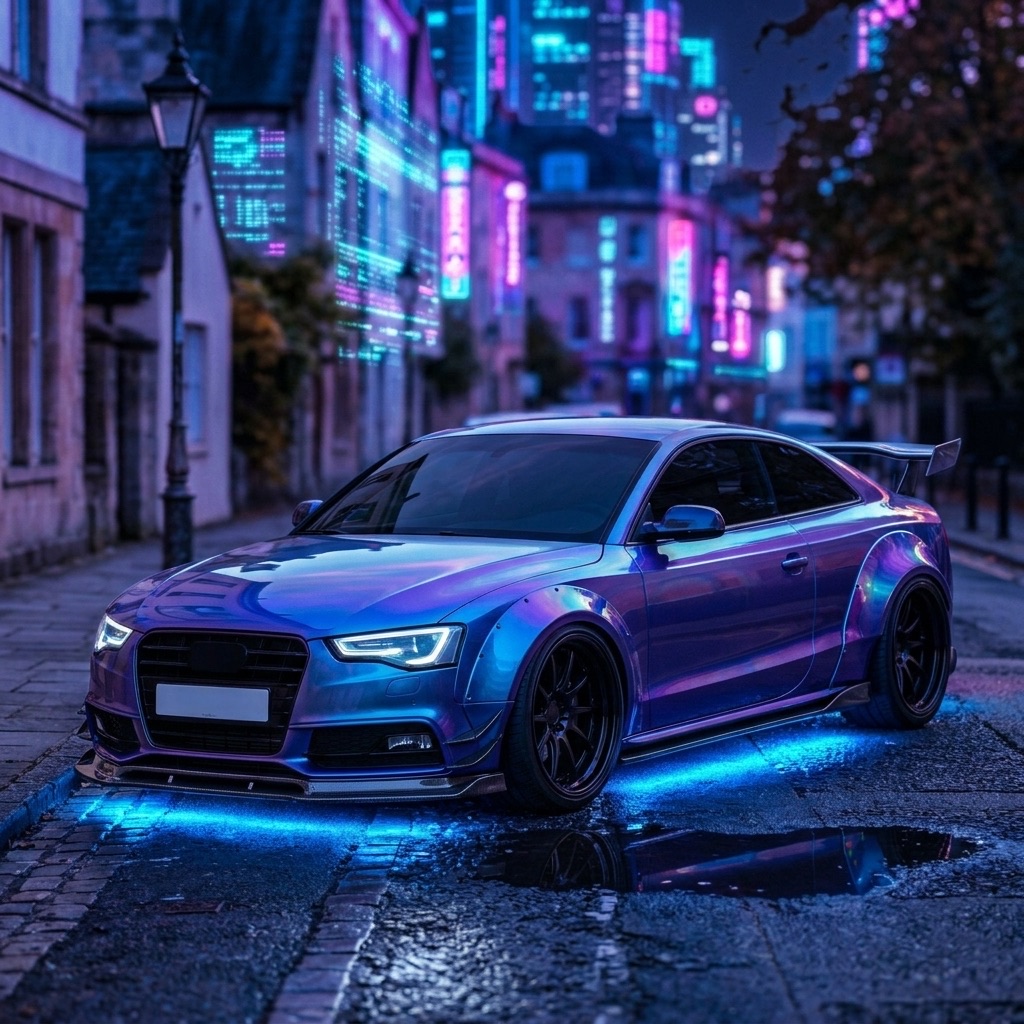
Try it on your own car
Identify any car. Redesign yours in seconds.
Snap a photo to get the make, model and specs, or try paint, wraps, wheels, body kits and 16+ AI styles on your own car. On iPhone and iPad.
Download CarForge